
Download Koofr – Free Secure Cloud Storage, Sync & Backup Tool
What Is Koofr? – A Comprehensive Overview
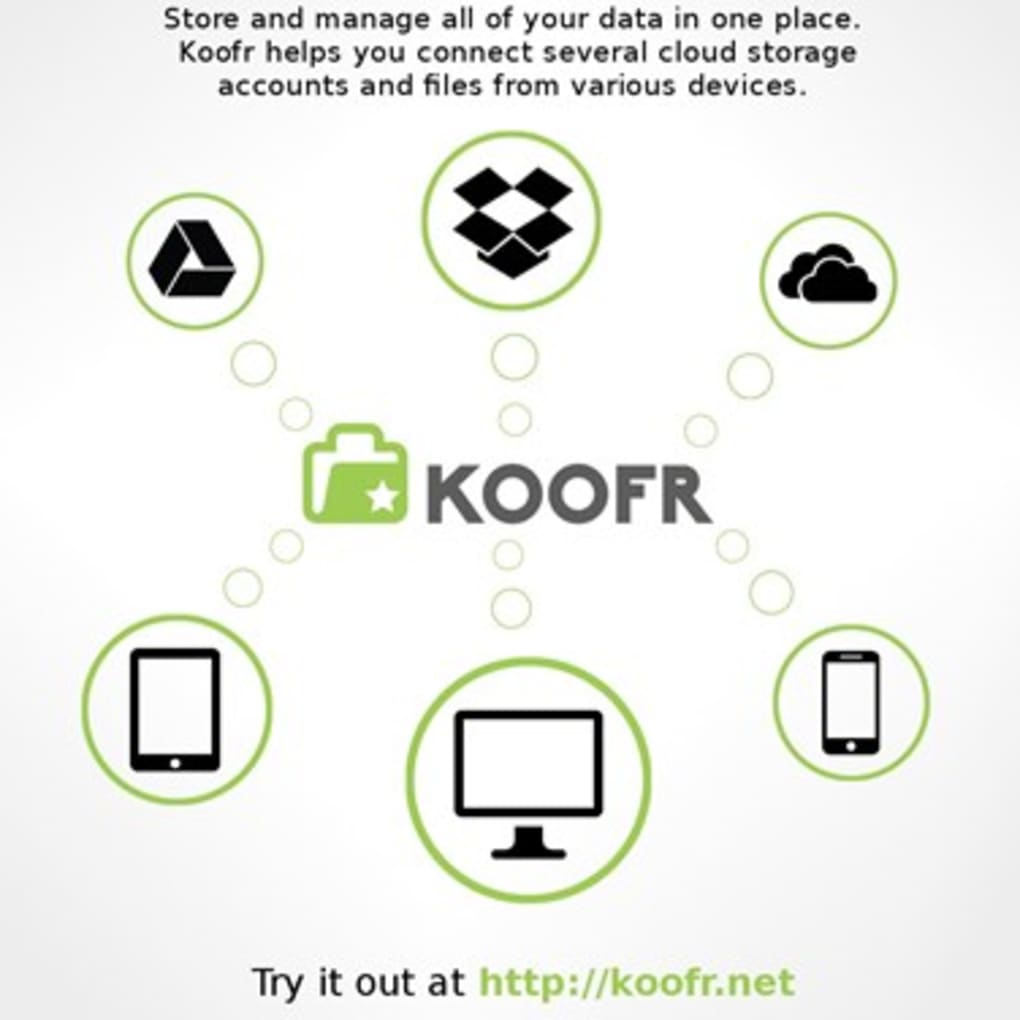
Koofr is a free, secure, cloud‑based storage solution that brings together all of your digital files—whether they live on your computer, smartphone, or other cloud services—into a single, searchable hub. Unlike traditional cloud drives that require you to upload files manually, Koofr acts as a smart aggregator. It links directly to popular platforms such as Dropbox, Google Drive, and OneDrive, continuously synchronising and backing up content so that the latest version of every document, photo, or video is always at hand.
Because Koofr operates entirely in the cloud, you can access your data from any device with an internet connection, be it a Windows PC, a macOS laptop, an Android phone, or an iOS tablet. The service emphasizes privacy and encryption, ensuring that your files remain safe from unauthorized eyes while still being instantly searchable. A single search bar replaces the need to hop between multiple apps, saving time and reducing the mental load of remembering where a particular file is stored.
The platform is built for both personal users and small teams. Its free tier offers a generous amount of storage, while optional paid upgrades unlock additional space and advanced collaboration tools. Whether you are a freelance photographer needing to organise hundreds of high‑resolution images, a student juggling notes across several cloud services, or a remote worker looking for a reliable backup strategy, Koofr provides a streamlined, hassle‑free experience.
Key Features That Set Koofr Apart
- Unified Cloud Hub: Connects Dropbox, Google Drive, OneDrive, and local folders into one searchable interface.
- Automatic Sync & Backup: Real‑time synchronization ensures that any change on a linked device is instantly reflected across all platforms.
- Secure Encryption: Files are encrypted both in transit (TLS) and at rest (AES‑256), keeping data private.
- Cross‑Platform Access: Native apps for Windows, macOS, Linux, Android, and iOS, plus a responsive web portal.
- Smart Search: Global search across all connected services, with preview options for images, PDFs, and office documents.
- Version History: Keep up to 30 days of file revisions, allowing you to revert accidental changes.
- Selective Sync: Choose which folders sync to a specific device, conserving bandwidth and storage.
- Free Tier Generosity: 10 GB of cloud space without cost, plus the ability to link unlimited external accounts.
- Collaboration Tools: Share links with expiration dates and password protection for secure external collaboration.
- Regular Updates: Frequent security patches and feature enhancements delivered automatically.
These features combine to create a truly integrated storage experience. For example, if you store project files in Google Drive but also keep design assets in Dropbox, Koofr indexes both locations and presents them side‑by‑side. When you edit a document on your Mac, the change propagates to the original Google Drive copy, eliminating duplicate versions and version‑control headaches.
Security is baked into every layer. While many free cloud services rely on basic encryption, Koofr employs end‑to‑end encryption for premium users and adheres to strict data‑privacy regulations (GDPR‑compliant). Even the free tier benefits from robust TLS encryption during transfers, meaning your credentials and files are never exposed on public Wi‑Fi.
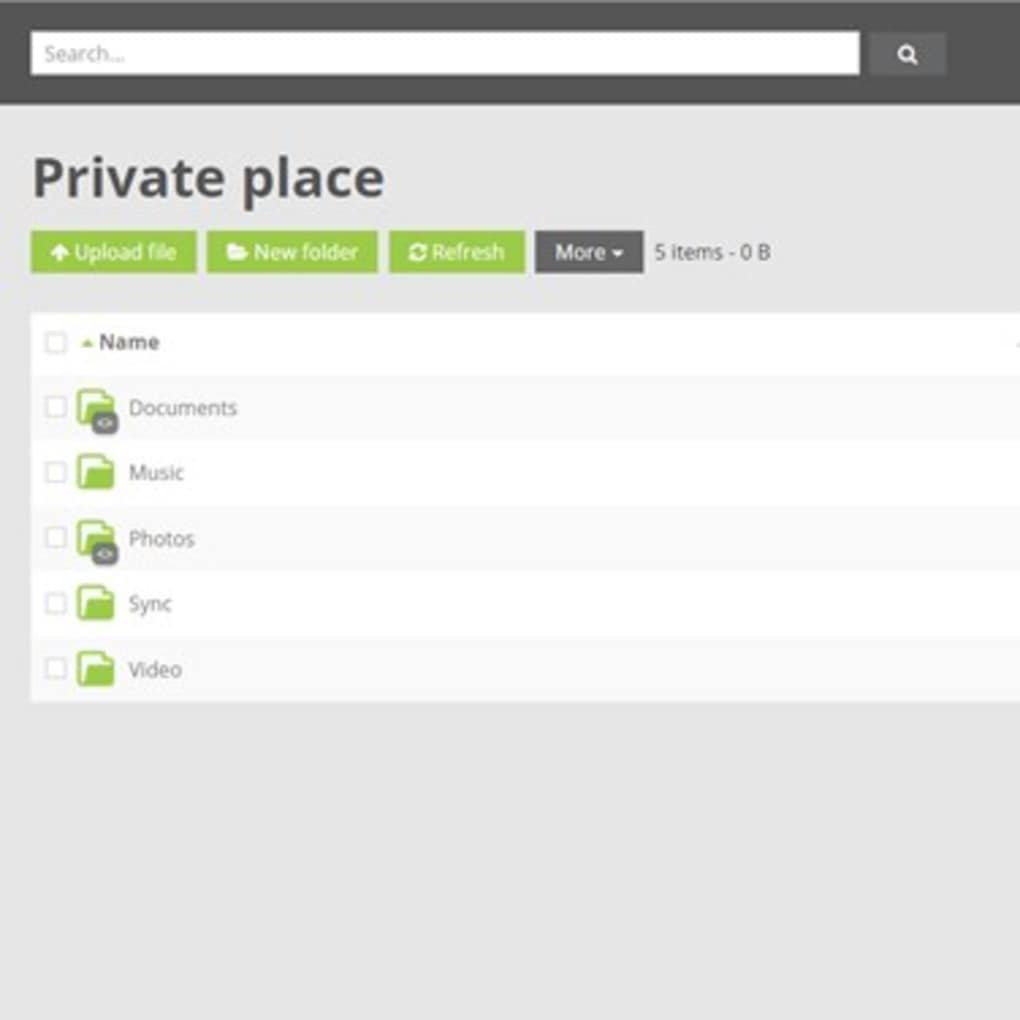
Finally, the user interface deserves a mention. The web dashboard follows a clean, grid‑based layout that mirrors modern file explorers. Drag‑and‑drop support works across browsers, and the mobile apps feature offline access, letting you view previously synced files without an internet connection. All of this contributes to a frictionless workflow that saves both time and mental bandwidth.
Installation, Usage & Compatibility – Getting Started with Koofr
Downloading and installing Koofr is straightforward, regardless of your operating system. Below is a step‑by‑step guide that walks you through the process from initial download to everyday use.
Step 1 – Download the Installer
Visit the official Koofr website and click the “Download” button that matches your platform. For Windows users, you’ll receive an .exe file; macOS users get a .dmg package; Linux enthusiasts can grab a .deb or .rpm file; Android users find the app on Google Play, and iOS users on the App Store.
Step 2 – Run the Installer
On Windows, double‑click the .exe and follow the wizard prompts (accept the license, choose installation folder, etc.). macOS users drag the Koofr icon into the Applications folder. Linux users run sudo dpkg -i koofr.deb or sudo rpm -i koofr.rpm as appropriate. Mobile installations are handled automatically by the respective app stores.
Step 3 – Create or Sign In to Your Account
After installation, launch Koofr. You’ll be prompted to either create a new Koofr account using an email address or sign in with an existing Google, Microsoft, or Apple ID. The latter option leverages OAuth for secure, password‑less login.
Step 4 – Link External Services
Once logged in, navigate to the “Connections” tab. Here you can link your Dropbox, Google Drive, OneDrive, and even local network drives. Each connection requires you to authorize Koofr via the service’s OAuth flow, after which Koofr will start indexing files automatically.
Step 5 – Configure Sync Settings
Within the Settings menu, you’ll find options for selective sync, bandwidth limits, and version‑history retention. Adjust these based on your internet plan and storage needs. For example, you can set a 2 GB per‑hour upload cap if you share a limited broadband connection.
Step 6 – Start Using the App
After the initial indexing (which may take a few minutes depending on the amount of data), you can begin using Koofr’s unified file explorer. The search bar at the top instantly pulls results from all linked accounts. Drag files between folders to reorganise them, or right‑click to share a secure link. On mobile, the interface offers swipe gestures for quick file actions, while the web version provides a full‑screen view for larger monitors.
Compatibility (itemprop="operatingSystem"): Koofr supports Windows 10/11, macOS 10.15 and later, major Linux distributions (Ubuntu, Fedora, Debian, etc.), Android 6.0 and above, and iOS 13 and above. The web client works on all modern browsers, including Chrome, Firefox, Edge, and Safari.
Overall, the installation experience is designed to be as painless as possible, allowing users of any technical skill level to start benefiting from a unified cloud storage solution within minutes.
Pros & Cons – A Balanced Look at Koofr
Pros
- Free tier with 10 GB of native storage plus unlimited external connections.
- Seamless integration with Dropbox, Google Drive, OneDrive, and local folders.
- Strong encryption (TLS for transfer, AES‑256 at rest) and GDPR compliance.
- Cross‑platform apps for Windows, macOS, Linux, Android, and iOS.
- Smart global search that eliminates the need to open multiple services.
- Version history and selective sync for efficient workflow management.
- Regular updates and transparent security patches.
Cons
- Free tier storage is limited; power users may need a paid plan for additional space.
- Advanced collaboration features (e.g., real‑time editing) are not as robust as Google Workspace.
- Initial indexing can be slow with very large external libraries.
- No built‑in office suite; relies on third‑party apps for document editing.
Frequently Asked Questions (FAQ)
Is Koofr really free?
Yes, Koofr offers a free tier that includes 10 GB of native cloud storage and unlimited linking to external services like Dropbox, Google Drive, and OneDrive. The free plan is fully functional, though larger storage needs require a paid upgrade.
How does Koofr keep my data secure?
All data transfers use TLS encryption, and files stored on Koofr’s servers are encrypted with AES‑256. The service complies with GDPR and follows industry‑standard privacy policies. Premium users benefit from end‑to‑end encryption for added protection.
Can I use Koofr on multiple devices simultaneously?
Absolutely. Koofr’s cloud architecture is designed for concurrent access. Whether you’re on a Windows PC, a macOS laptop, an Android phone, or an iOS tablet, you can work on the same files at the same time, with changes syncing in real time.
What happens if I delete a file from Koofr?
Deleted files are moved to the “Trash” folder and retained for 30 days, allowing you to restore them if the deletion was accidental. After the retention period, the files are permanently removed from all linked services.
Does Koofr offer any collaboration tools?
Yes, Koofr lets you generate shareable links with optional password protection and expiration dates. While it doesn’t include a native document editor, you can open shared files in third‑party apps like Google Docs or Microsoft Office Online for real‑time collaboration.
Final Verdict & Call to Action
Koofr delivers a compelling blend of free cloud storage, powerful synchronization, and cross‑platform accessibility. Its ability to aggregate multiple existing cloud accounts into one searchable hub solves a common pain point for anyone juggling files across Dropbox, Google Drive, OneDrive, or local devices. While the free tier’s native storage is modest, the unlimited external connections make it a cost‑effective solution for most personal and small‑team workflows.
If you value security, simplicity, and a truly unified view of your digital life, Koofr is worth trying. The setup process is quick, the interface feels familiar, and the continuous sync means you’ll never lose track of the latest version of a file again. For power users who need more space or advanced collaboration, the paid plans are reasonably priced and unlock additional features such as larger version histories and priority support.
Ready to declutter your cloud and keep your files safe? Download Koofr now and experience a smarter way to store, sync, and access your data—completely free and securely backed up.







